
Supply Chain Software Development: Build, Buy, or Partner
Supply chain software development for distributors and manufacturers: what to build, when to buy instead, and how to evaluate a development partner.
On this page30 sections
Key Takeaways: Build vs Buy Across Four Software Layers
Supply chain software development is a sequence of build-vs-buy-vs-integrate decisions across four layers (WMS, OMS, inventory management, and integrations), not a single project. Most operations problems are integration problems that break at the seams.
- Map your stack first: WMS (physical inventory), OMS (order routing), inventory management (stock and reorder), and the integrations layer to ERP, e-commerce, carriers, and marketplaces.
- Default to buying SaaS for standard ops under $50M revenue; custom software's first-year cost is typically underestimated 3 to 5x.
- Go custom when SaaS vendors charge for every non-standard workflow. If you spend over $3K/month on professional services to configure an off-the-shelf WMS, custom math often wins within 18 months.
- Choose a partner who gives you 100% IP and source-code ownership so no vendor can hold your system hostage.
Supply Chain Software Is a Sequence of Decisions
Supply chain software development is not a single project: it is a sequence of decisions about what to build, what to buy off the shelf, and what to integrate. Most operations that get this wrong end up with a patchwork of SaaS tools that don't talk to each other, or a custom system that a previous vendor owns and nobody can maintain.
This guide is for operations managers, CTOs, and product leaders at distributors, 3PLs, and manufacturers who are evaluating their options in 2026.
The Four Layers of Supply Chain Software
Before evaluating any vendor or development partner, it helps to map the actual software stack a modern supply chain operation requires:
Layer 1: Warehouse Management System (WMS)
Controls physical inventory: receiving, putaway, picking, packing, shipping, and returns. The WMS is the operational core: it touches every warehouse worker and every SKU.
Layer 2: Order Management System (OMS)
Sits between sales channels and the warehouse. Routes orders, manages split shipments, handles allocation rules, and provides the customer-facing order status API.
Layer 3: Inventory Management
Tracks stock levels, calculates reorder points, manages safety stock, and feeds demand forecasting. Can be a module inside a WMS or a standalone system depending on SKU complexity.
Layer 4: Integrations Layer
Connects the above to ERP (NetSuite, SAP, Oracle), e-commerce platforms (Shopify, Magento, WooCommerce), shipping carriers (FedEx, UPS, DHL), and marketplaces (Amazon, Walmart).
Most operations problems are actually integration problems. The software works fine in isolation. It breaks at the seams.
Build vs. Buy: A Decision Framework
The default answer for most operations under $50M revenue is to buy, because the implementation and maintenance cost of custom software is underestimated by a factor of 3 to 5x in the first year.
But buy-vs-build is not binary. The decision looks like this:
| Scenario | Recommendation |
|---|---|
| Standard warehouse ops, <50K SKUs | Buy SaaS WMS (Fishbowl, Logiwa, inFlow) |
| Complex workflows, proprietary processes | Custom WMS development |
| Multi-channel OMS with custom routing rules | Custom OMS or heavily configured SaaS |
| ERP integration with legacy system | Custom integration layer |
| Existing custom system that is unmaintainable | Modernization, not rebuild |
The clearest signal that you need custom supply chain software development is when SaaS vendors start charging for every non-standard workflow. If you are spending >$3K/month on "professional services" to configure an off-the-shelf WMS, the custom math likely works in your favor within 18 months.
What Custom Supply Chain Software Development Actually Involves
When companies say they want "custom supply chain software," they usually mean one of three things:
1. A WMS Built Around Their Warehouse
Physical warehouse operations vary dramatically. Bonded warehouses, cold storage, hazmat, cross-docking, and batch-picking workflows require rules that no SaaS WMS handles cleanly. Custom WMS development gives you:
- RF-directed picking tuned to your pick paths
- Custom receiving workflows (lot tracking, serial numbers, RFID)
- Location management matching your physical layout
- Carrier integrations with your negotiated rates and service levels
2. A Platform Modernization
Most legacy supply chain systems in use today were built in the 2000s and 2010s. They work, but they are built on frameworks that are hard to extend, hard to integrate, and nearly impossible to hire for. Modernization is not a full rebuild: it is a systematic replacement of the modules that are blocking growth, while keeping the data and the workflows that work.
One of our longest-running engagements is a national product distributor that ran a legacy business management platform with manual entry, no API surface, and a QuickBooks integration held together with CSV exports. We modernized the platform over 18 months: automating end-to-end workflows, building a proper API layer, and integrating QuickBooks natively. The result: 80% fewer errors, 50% faster order processing, and a 7-year ongoing partnership.
3. An Integration Layer
ERP systems are not designed for real-time warehouse operations. The integration layer translates between the WMS's event-driven model (a pick is confirmed → a shipment is created → a label is printed) and the ERP's batch-oriented model (end-of-day sync, invoice generation, GL posting).
Building this layer wrong is the source of most supply chain software failures. Common mistakes:
- Syncing too frequently (every 30 seconds hammers the ERP API)
- Syncing too infrequently (warehouse is ahead of ERP, discrepancies mount)
- No error queue (failed syncs silently vanish)
- No audit log (you cannot reconstruct what happened on a disputed shipment)
How to Evaluate a Supply Chain Software Development Partner
Look for Domain Knowledge, Not Just Technical Skill
A development team that has built supply chain software before will ask different questions in the discovery call. They will ask about your pick strategy (wave, batch, zone), your carrier contracts, your ERP version, and your peak season capacity. A generic software agency will ask about your budget and timeline.
Insist on a Reference From a Similar Operation
Not every supply chain is the same. A development partner who has built WMS software for a 3PL is not automatically qualified for a cold-chain manufacturer. Ask for a reference from an operation with similar complexity: similar SKU count, similar order volume, similar carrier mix.
Understand Their Data Migration Plan
The most dangerous moment in any supply chain software modernization is the cutover from the old system. Your historical inventory data, open orders, in-transit shipments, and supplier records all need to move cleanly. Ask specifically: "How have you handled data migration in previous supply chain projects? Can I speak to the ops manager from that engagement?"
Check Their Integration Experience
ERP integrations are where supply chain projects stall. Confirm the partner has direct experience with your ERP (not just "we have done ERP integrations before"). NetSuite, SAP, and Oracle each have completely different API patterns, rate limits, and quirks. Experience with one does not transfer to another.
Timeline and Cost Benchmarks
For reference, here are realistic timelines for common supply chain software development engagements:
| Project Type | Typical Timeline | Cost Range (USD) |
|---|---|---|
| Custom WMS (greenfield) | 4 to 8 months | $80K to $250K |
| WMS modernization (existing system) | 3 to 6 months | $50K to $150K |
| ERP integration layer | 6 to 14 weeks | $20K to $60K |
| OMS with multi-channel routing | 3 to 5 months | $60K to $180K |
| Full supply chain platform (WMS + OMS + integrations) | 9 to 18 months | $200K to $600K |
These are first-year costs. Maintenance, enhancements, and integrations typically run 15% to 25% of the initial build cost annually.
The Three Most Common Supply Chain Software Failures
1. Picking the Wrong Scope
Operations teams scope supply chain software based on what they need today, not what they will need in 18 months. The result is a system that is already behind when it goes live. Build with a defined extension surface, not a wish list, but a real architecture that can accommodate the next two years of growth without a rebuild.
2. Under-investing in the Integration Layer
Most supply chain software budgets go to the WMS UI and workflow engine. The integration layer gets 15% to 20% of the budget and 80% of the post-launch problems. Flip this. The integration layer is the most operationally critical component. It is the one that creates discrepancies, stops orders, and wakes people up at 3am.
3. Choosing a Vendor Who Leaves After Go-Live
Supply chain software is not a one-time delivery. Carrier APIs change. ERP versions update. Peak season reveals edge cases nobody anticipated. Choose a partner who structures a post-launch retainer as part of the initial engagement, not as an afterthought.
Success Comes From Domain Depth, Not Budget Size
Supply chain software development is most successful when you:
- Map the four layers (WMS, OMS, inventory, integrations) before choosing what to build vs. buy
- Build custom only where off-the-shelf creates ongoing friction or cost
- Over-invest in the integration layer relative to the UI
- Choose a partner with domain experience in your specific operation type
- Plan for a post-launch retainer from day one
The operations that succeed with custom supply chain software are not the ones with the biggest budgets. They are the ones who chose a development partner with staying power and domain depth.
Rorix Technologies has delivered supply chain software development and WMS modernization projects for distributors and 3PLs in the US, UK, Canada, Australia, and New Zealand. Longest client partnership: running since 2018, begun by our founders before Rorix existed. See what a supply chain software development engagement covers, read our WMS case study, or book a free 30-minute call.
Frequently Asked Questions
When should I build custom supply chain software instead of buying SaaS?
The default for most operations under $50M revenue is to buy, because the cost of implementing and maintaining custom software is typically underestimated by 3 to 5 times in the first year. Build custom when you have complex or proprietary workflows that SaaS vendors charge for on every non-standard configuration. If you are spending more than $3K/month on professional services to configure an off-the-shelf WMS, custom development often pays off within 18 months.
What are the four layers of supply chain software?
The four layers are the Warehouse Management System (WMS) that controls physical inventory, the Order Management System (OMS) that routes orders between sales channels and the warehouse, Inventory Management for stock levels and reorder points, and the Integrations Layer that connects everything to ERP, e-commerce platforms, shipping carriers, and marketplaces. Most operational problems are actually integration problems. The software works in isolation but breaks at the seams.
How much does custom supply chain software development cost and how long does it take?
A greenfield custom WMS runs $80K to $250K over 4 to 8 months, a WMS modernization of an existing system runs $50K to $150K over 3 to 6 months, and an ERP integration layer runs $20K to $60K over 6 to 14 weeks. A full platform combining WMS, OMS, and integrations runs $200K to $600K over 9 to 18 months. These are first-year costs; maintenance and enhancements typically run 15% to 25% of the initial build cost annually.
How do I evaluate a supply chain software development partner?
Look for domain knowledge over generic technical skill. A partner who has built supply chain software will ask about your pick strategy, carrier contracts, ERP version, and peak season capacity in the discovery call. Insist on a reference from an operation with similar complexity, understand their data migration plan for cutover, and confirm they have direct experience with your specific ERP, since NetSuite, SAP, and Oracle each have completely different API patterns.
What are the most common reasons supply chain software projects fail?
The three most common failures are picking the wrong scope by building only for today's needs, under-investing in the integration layer that creates most post-launch problems, and choosing a vendor who leaves after go-live. Most budgets put 80% of effort into the WMS UI and only 15% to 20% into integrations, even though the integration layer causes the majority of operational issues.
Can supply chain software modernization keep our existing workflows?
Yes. Modernization is not a full rebuild. It is a systematic replacement of the modules blocking growth while keeping the data and workflows that already work. In one engagement modernizing a national product distributor's legacy platform over 18 months, building a proper API layer and native QuickBooks integration produced 80% fewer errors, 50% faster order processing, and a 7-year ongoing partnership.
Planning supply chain software?
Tell us where the handoffs break between your systems today. We map the integration surface and give you a build sequence with dates.
Continue learning
Written by
Nirmal JTeam Lead, WMS & Inventory Systems, Rorix Technologies
Nirmal leads WMS and inventory software delivery at Rorix, from warehouse picking and stock control to real-time inventory tracking and fulfillment workflows. He manages project timelines, stakeholder alignment, and sprint execution, ensuring production-ready systems are delivered on time and keep operations running without disruption.
View full profileRelated articles
WMS Integration With ERP: Methods, Architecture & Common Pitfalls
Learn how WMS integration with ERP works, with 7 methods, architecture decisions, data flows, an 8-step roadmap, costs, timelines, and common pitfalls to avoid.
Read article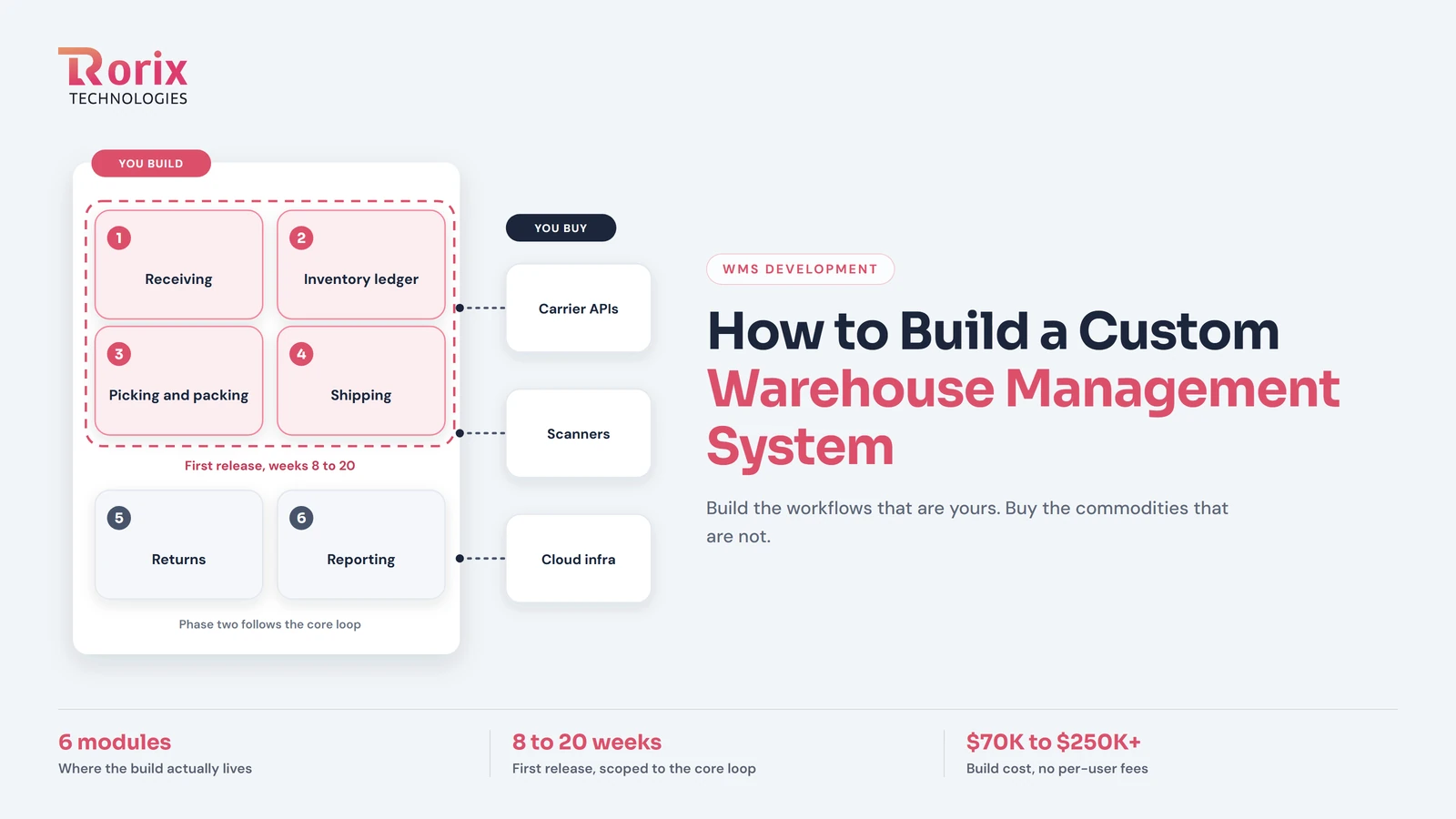
How to Build a Custom Warehouse Management System: 2026 Guide
Learn how to build a custom warehouse management system: build phases, core modules, tech stack, integrations, indicative cost ranges, and realistic timelines.
Read article
Top 25 API Development Companies in 2026
Compare 25 API development companies in 2026 by expertise, costs, integrations, and project fit to find the right partner for your business.
Read article