
8 Signs Your Business Has Outgrown Spreadsheets
The signs a business has outgrown spreadsheets: reconciliation as a job, version conflicts, one person who cannot take vacation, and what to move to first.
On this page30 sections
Every operating business runs on spreadsheets before it runs on anything else, and that is not a mistake. A spreadsheet is the fastest way ever invented to turn a process into something a computer helps with. The trouble is that spreadsheets do not fail when they stop working. They fail while working, quietly, at the exact moment keeping them true becomes somebody's job.
That is the line this guide is about. You have not outgrown spreadsheets when the file gets big or the formulas get long. You have outgrown them when truth gets expensive: when reconciling copies is a task on someone's calendar, when the same number lives in three files with three values, and when nobody is quite sure which one the business believes. The research says the confidence is misplaced anyway: Ray Panko, the leading researcher on the subject, finds that spreadsheet errors are rare per cell, but in large spreadsheets at least one incorrect bottom-line value is very likely, and that users are overconfident about accuracy mostly because people never see the mistakes they make.
In this guide, you'll learn:
- Why spreadsheets fail successfully, and the error research behind that claim
- The 8 signs the spreadsheet stage is over, ranked by how much they cost
- Which system replaces which spreadsheet, so the next step is specific
- A 5-step exit that treats your spreadsheets as the spec they actually are
- Where spreadsheets remain the right tool, because they often are
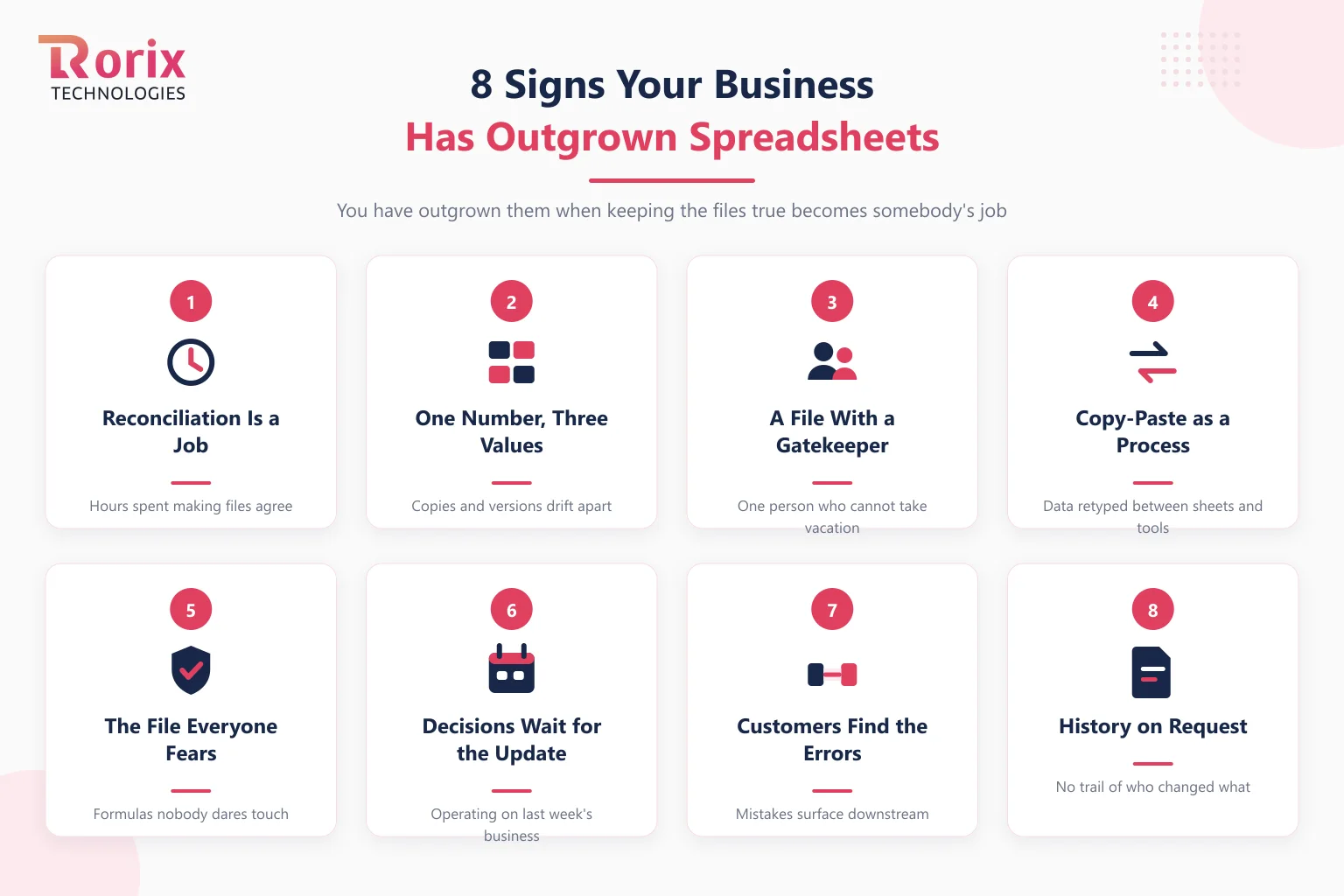
Quick Answer: The 8 Signs at a Glance
| Sign | What it looks like | What it is costing you |
|---|---|---|
| Reconciliation is a job | Someone spends hours making files agree | Payroll spent manufacturing trust |
| One number, three values | Copies and versions drift apart | Decisions argued instead of made |
| A file with a gatekeeper | One person who cannot take vacation | Key-person risk on daily operations |
| Copy-paste as a process | Data retyped between sheets and tools | Errors injected at every hop |
| The file everyone fears | Slow, locked, formulas nobody touches | Change frozen by fragility |
| Decisions wait for the update | Numbers refresh weekly, questions arrive daily | Operating on last week's business |
| Customers find your errors | Mistakes surface downstream, not in review | Trust spent instead of margin |
| History on request | An auditor or client asks who changed what, and you cannot say | Compliance exposure with no trail |
Two or more of these appearing monthly is the threshold. Below it, the spreadsheet is doing its job; above it, the spreadsheet has become the job.
Key Takeaways: When Spreadsheets Stop Being the Right Tool
- Ray Panko's spreadsheet error research finds errors are rare per cell, but in large spreadsheets at least one incorrect bottom-line value is very likely, while users stay overconfident because they never see most of their own mistakes.
- A business has outgrown spreadsheets when two or more of the eight signs, such as reconciliation becoming somebody's job or one number living in three files, appear monthly.
- Most companies find the operational core is 5 to 10 spreadsheets, not the hundreds that exist, and the file that costs the most reconciliation hours should be replaced first.
- A focused operational build that replaces spreadsheets typically starts in the $20,000 to $90,000 range for a simple system, and the spreadsheet itself lowers the cost because it is already a finished requirements document.
- Rorix builds custom operational software for companies leaving the spreadsheet stage, with 27 projects delivered, a 5.0 rating on Clutch, and a dedicated team of senior engineers on 2-week sprints.
Why Spreadsheets Fail Successfully
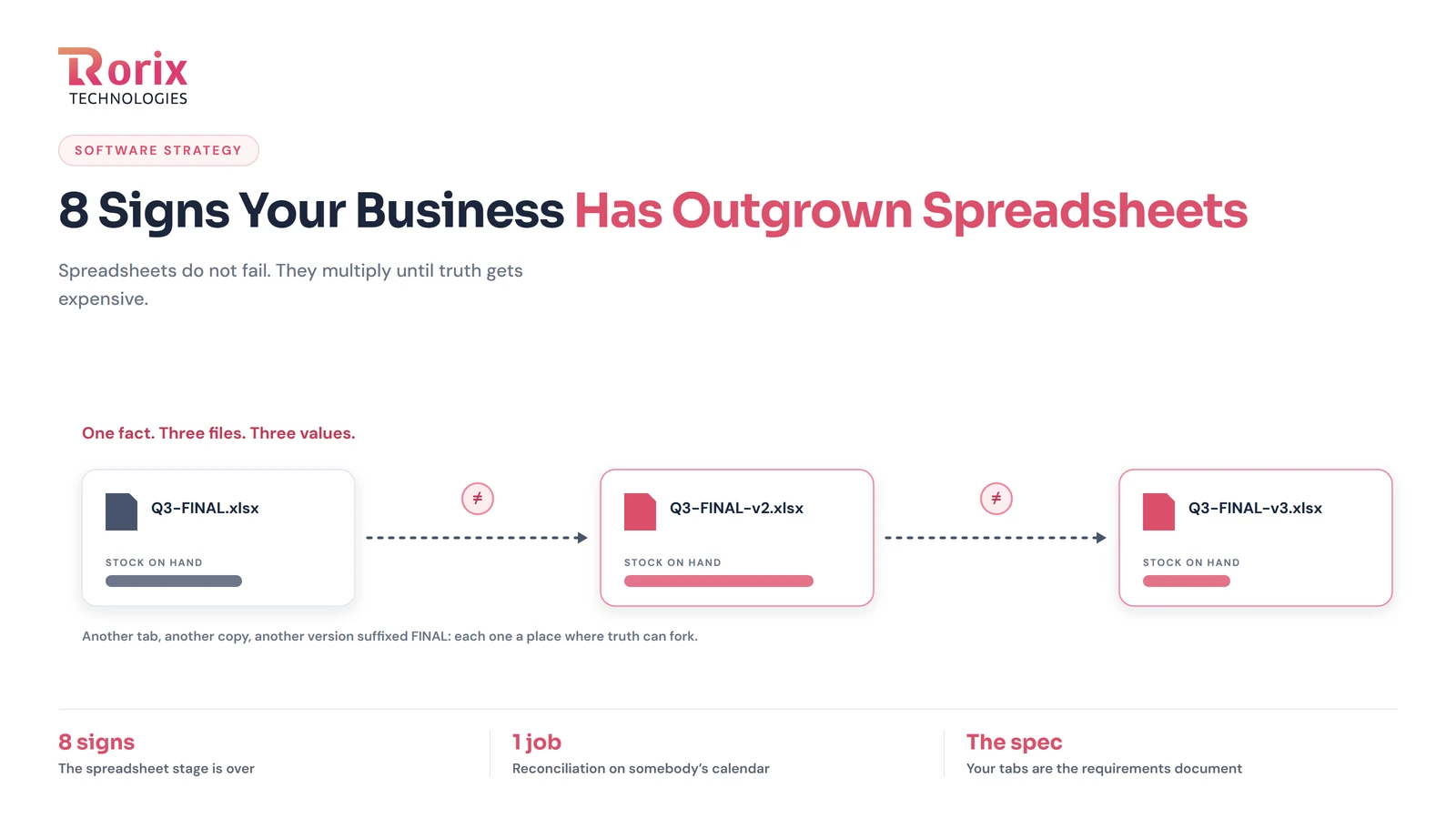
A spreadsheet never announces that it is done. It accumulates: another tab, another copy for the manager, another version suffixed FINAL-v3. Each addition is individually reasonable, which is why nobody objects, and each one adds a place where truth can fork. The file does not break. It multiplies.
The error research explains why the multiplication matters. Panko's field-audit work shows errors are rare cell by cell, and that human checking catches only a fraction of them, so large sheets almost certainly carry at least one wrong bottom line while their owners remain confident in them. Overconfidence is the documented finding, not an insult: people are unaware of most mistakes they make, in spreadsheets as everywhere else. In a model built for a one-time decision, that risk is tolerable. In a file that runs daily operations, it compounds with every copy and every paste.
So the question is never whether your spreadsheets contain an error. It is how far an error travels before something structural catches it, and in a spreadsheet-run operation the honest answer is usually: all the way to the customer.
The 8 Signs, in the Order They Usually Arrive
1. Reconciliation Has Become Somebody's Job
The clearest sign, and the thesis of this guide. When a recurring calendar block exists to make the sales sheet agree with the stock sheet agree with the accounting export, you are paying a salary to manufacture agreement that a system of record would produce for free. Reconciliation labor is the purest measure of outgrowth because it scales with exactly the thing you want to grow: activity.
2. The Same Number Lives in Three Files
Inventory in the warehouse file, inventory in the sales file, inventory in the owner's file. The moment a number exists in more than one place, the copies begin to drift, and every meeting starts with ten minutes of deciding whose number is real. This is the small-scale version of the problem our guide to a single source of truth for business data treats in full: truth needs one writer, and spreadsheets breed writers.
3. One Person Cannot Take a Vacation
Every spreadsheet-run operation grows a gatekeeper: the person who knows why column Q is hidden, which macro not to run, and what the yellow cells mean. Their competence is real, and it has quietly become infrastructure. When operational continuity depends on one person's presence, you do not have a process; you have a performance.
4. Copy-Paste Is a Business Process
Orders arrive in one tool, get retyped into a sheet, then retyped again into the invoice template. Every manual hop is an error opportunity and a delay, and no amount of care fixes that, because the volume grows and attention does not. Re-entry between systems is precisely the seam where an integration layer or one operational system should exist.
5. The File Is Slow, Protected, and Feared
Thirty tabs, external links, formulas that reference formulas, and a load time long enough to fetch coffee. Nobody refactors it, because nobody is sure what would break, and Panko's research on error detection says that caution is justified. When a business file can no longer be safely changed, the business logic inside it is frozen at the moment of its last brave edit.
6. Decisions Wait for the Weekly Update
The spreadsheet refreshes when its owner refreshes it, so every question between updates is answered with last week's business. Operations move daily. A reorder decided on stale counts, a shift planned on old volumes, a quote priced on last month's costs: latency is a cost even when every number is right.
7. Your Customers Find the Errors First
In a spreadsheet operation there is no validation at the moment of work, so mistakes surface where they land: the double-booked slot, the promise against stock that was already sold, the invoice that does not match the delivery. Each incident reads as a service failure to the customer, when it is actually an infrastructure failure upstream.
8. Someone Asks for History You Cannot Produce
An auditor, a large client, or a regulator asks who changed this figure and when, and the honest answer is that the file has no memory. Spreadsheets record states, not events. Operational systems record who did what, when, and why, and the difference is the whole subject of audit trails built on event history.
What Outgrowing Spreadsheets Actually Means
Here is the reframe that makes the next step cheaper than most companies expect: your spreadsheets are not the problem. They are the specification.
Every tab is a module your operation needs. Every column is a field. Every yellow cell, hidden column, and margin note is a business rule that somebody once learned the hard way. A company that has run on spreadsheets for five years has done, without meaning to, the requirements work that custom software projects spend their first weeks extracting from interviews. Outgrowing spreadsheets is not an indictment. It is a graduation, with the coursework already complete.
What replaces them is operational software: systems that direct the work and validate it as it happens, rather than recording it afterward. Our operational software guide defines that category in full.
Which System Replaces Which Spreadsheet
The exit is specific, not general, because different tabs are different systems in disguise.
- Inventory, stock, and warehouse tabs point to a warehouse or inventory system; the signs you need a WMS and the inventory system vs WMS comparison will tell you which.
- Employee, leave, and payroll-prep tabs point to an HRMS; the signs you need an HRMS is the companion piece.
- Order tabs fed by more than one sales channel point to order management; the multi-channel order management guide covers that consolidation.
- A patchwork of tools already joined by export and paste is a different problem with its own playbook: consolidating fragmented business systems.
How to Leave Spreadsheets in 5 Steps
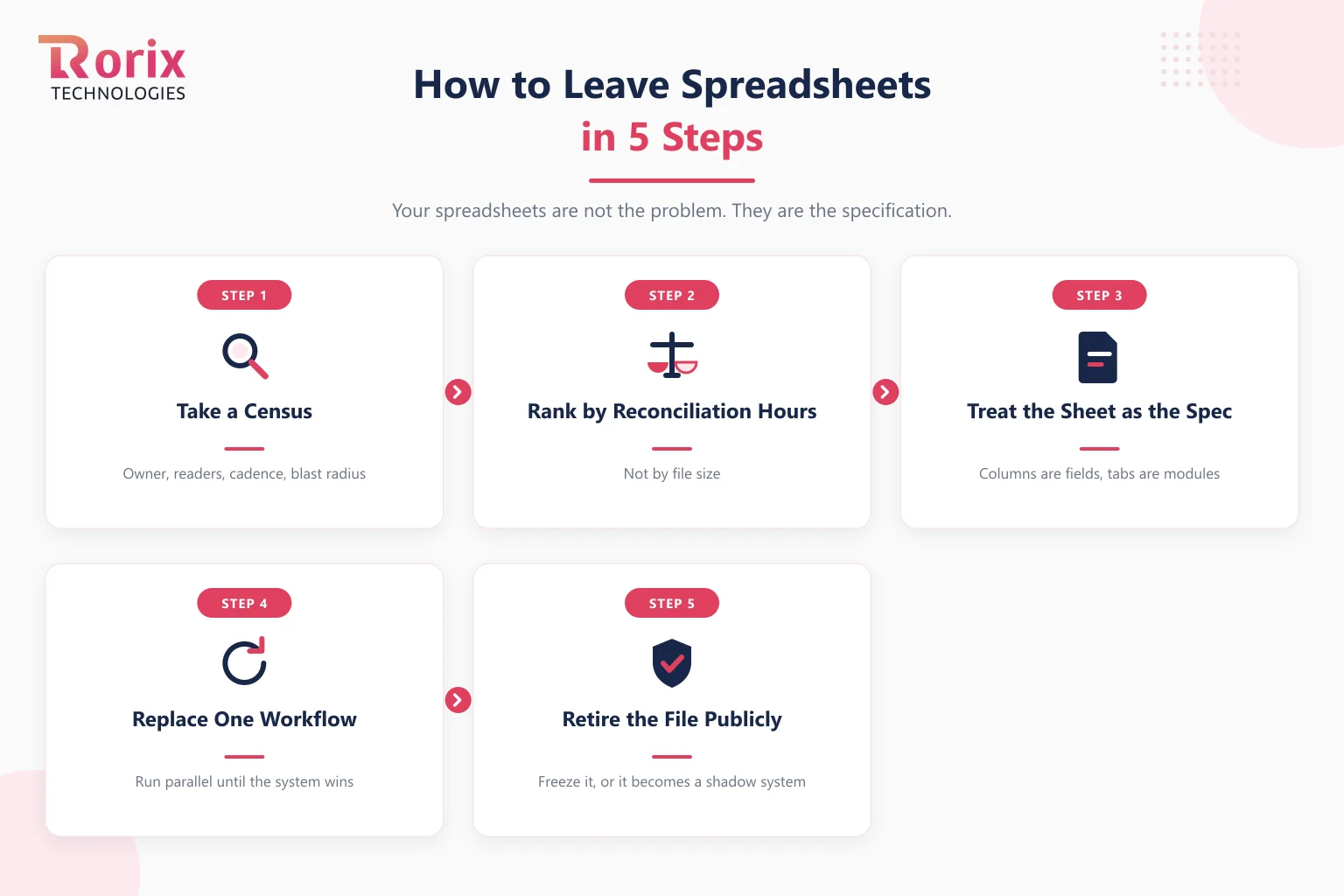
Step 1. Take a Census of the Files
List every spreadsheet that operates the business: owner, readers, update cadence, and what breaks if it is wrong for a week. Most companies find the operational core is 5 to 10 files, not the hundreds that exist.
Step 2. Rank by Reconciliation Hours, Not by Size
The biggest file is rarely the most expensive one. Rank by the hours spent keeping each file true and by how far its errors travel. The file whose maintenance is a standing meeting goes first.
Step 3. Treat the Sheet as the Spec
Before any build or purchase, map the winning file: columns become fields, tabs become modules, the gatekeeper's head becomes written rules. This is the cheapest requirements phase you will ever run, and it is the step that makes quotes comparable.
Step 4. Replace One Workflow and Run It in Parallel
Move a single workflow to the new system while the sheet still runs, and reconcile daily until the system wins on accuracy. Parallel running converts the scariest step into a comparison. This is the same discipline we use in phased software rollouts, scaled down.
Step 5. Retire the File Publicly
A replaced spreadsheet that stays writable becomes a shadow system within a month. When the parallel run is won, freeze the file, announce the system as the single place of record, and archive the sheet where it can be read but not edited.
When Spreadsheets Are Still the Right Tool
An honest exit guide keeps the tool where it wins. Spreadsheets remain unbeatable for one-off analysis, financial modeling, prototyping a process you have not stabilized yet, and any workflow owned end to end by one or two people. The line is repetition plus handoffs: the moment a sheet is updated on a schedule by several hands and other people act on it, it is infrastructure, and infrastructure deserves software built for the job.
How Rorix Replaces Spreadsheet Operations
Rorix Technologies builds custom operational software for companies leaving exactly this stage: 27 projects delivered, a 5.0 rating on Clutch, and a dedicated team of senior engineers on a retainer model with 2-week sprints, so the engineers who build your system stay on it as the operation evolves. We start from your files, because they are the spec: send the spreadsheet that runs your business and we will tell you what it is trying to become. The project cost estimator gives a first range in minutes, or talk to our engineers directly.
The Spreadsheet Was the Prototype
A business that runs on spreadsheets has already designed its operational software; it is just executing it by hand. The signs above are not symptoms of failure but of success that outran its tooling: enough volume, enough people, and enough complexity that truth now needs a system with one writer, validation at the moment of work, and a memory. Graduate the files that earned it. Keep the rest.
Frequently Asked Questions
When should a business stop using spreadsheets for operations?
When keeping the spreadsheets true becomes visible work: reconciliation on someone's calendar, version conflicts in meetings, a gatekeeper who cannot take vacation, or errors reaching customers. Two or more of the eight signs appearing monthly is the practical threshold. Size and formula complexity alone are not the signal; the cost of trusting the file is.
Are spreadsheet errors really common enough to worry about?
Yes, and the research is unusually consistent. Ray Panko's field-audit work finds errors are rare on a per-cell basis but that large spreadsheets very likely contain at least one wrong bottom-line value, while users remain overconfident because people never see most of their own mistakes. In a file that runs daily operations, one wrong bottom line travels.
What should replace spreadsheets first?
The file that costs the most reconciliation hours, not the biggest one. Then match the tab to the system: inventory tabs point to warehouse or inventory software, employee tabs to an HRMS, multi-channel order tabs to order management. Replace one workflow, run it parallel to the sheet until the system wins, then retire the file publicly.
How much does it cost to replace spreadsheets with custom software?
A focused operational build typically starts in the $20,000 to $90,000 range for a simple system, rising with workflow count and integrations. The spreadsheet itself lowers the cost: mapped honestly, it is a finished requirements document, which shortens the discovery work that projects otherwise pay for.
Can we keep some spreadsheets after moving to software?
You should. Spreadsheets stay the right tool for one-off analysis, modeling, and processes still being invented. The rule that holds: anything updated on a schedule, touched by several hands, and acted on by others is infrastructure and belongs in a system; anything exploratory and personally owned can stay a sheet.
How long does it take to move off spreadsheets?
The first replaced workflow is typically a matter of weeks when the sheet is treated as the spec, because discovery is already done. The full exit is gradual by design: one workflow at a time, each run in parallel until the system beats the file on accuracy, so the operation never bets on an unproven replacement.
Costing a custom build?
A dedicated team of senior engineers with a named technical lead on every engagement. Send us the problem and you get back a scope and a price.
Continue learning
Written by
Renish DadhaniyaFounder & Director, Rorix Technologies
Renish co-founded Rorix Technologies and drives the engineering and delivery culture across the organization. Beyond engineering, he leads the company's sales, finance, and HR operations, building the infrastructure that lets the team focus on shipping quality software. With deep hands-on expertise in architecture and team building, he ensures every project lands on time to the quality standards clients demand.
View full profileRelated articles
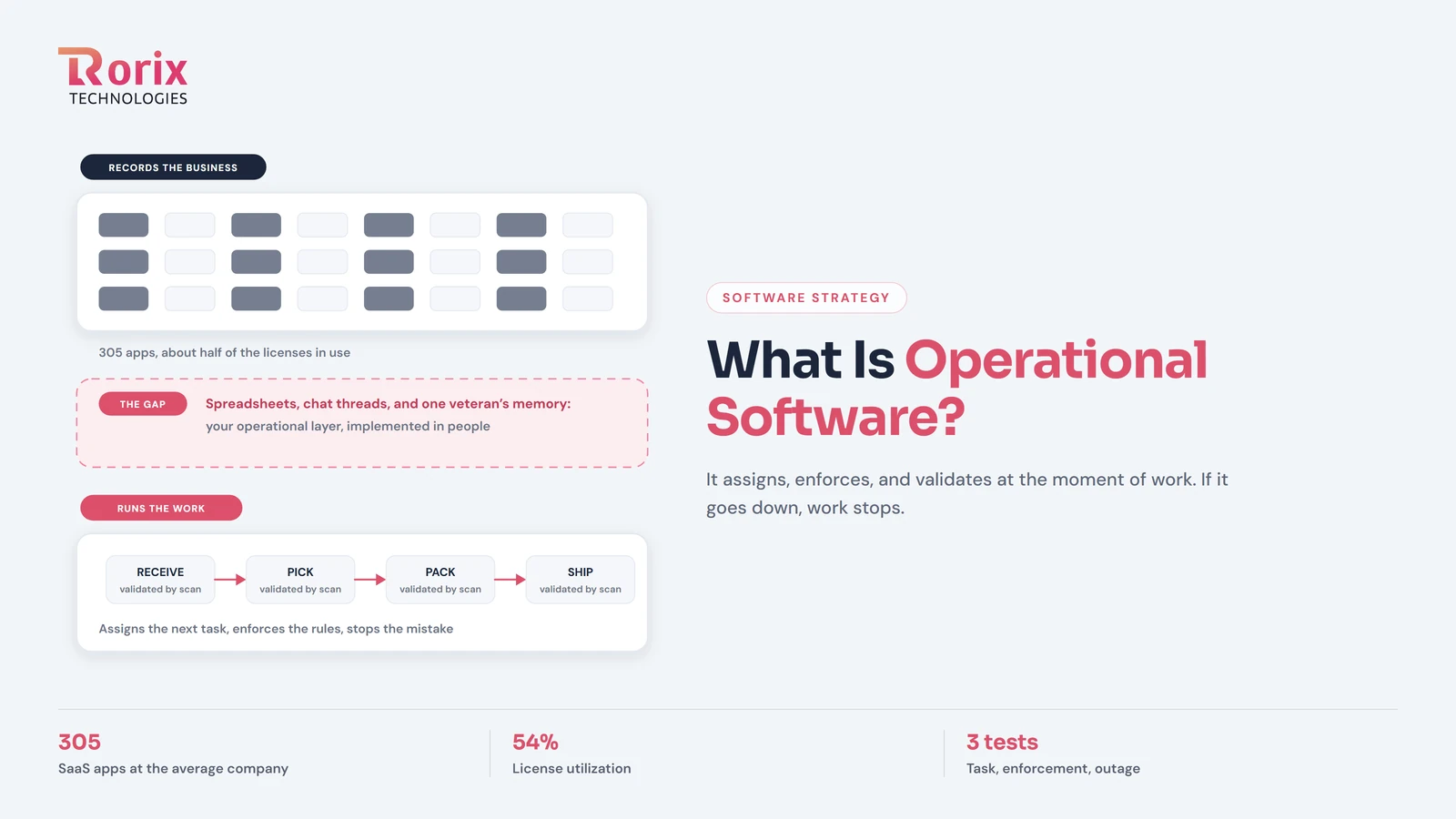
What Is Operational Software? The Layer That Runs the Work
Operational software executes the work itself: it assigns tasks, enforces rules, and validates as work happens. How it differs from record-keeping tools.
Read article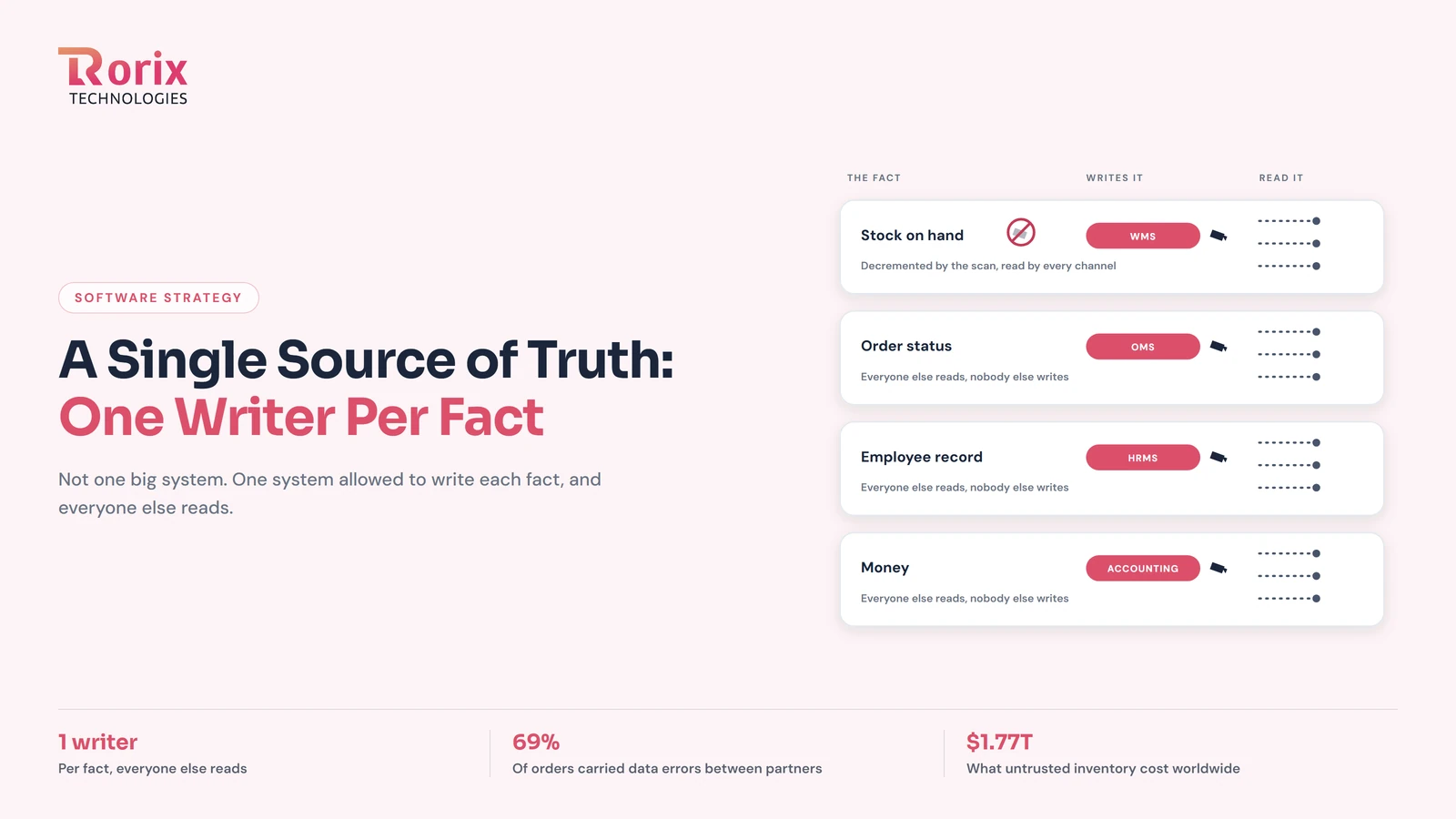
Single Source of Truth for Business Data: One Writer Per Fact
A single source of truth is not one giant system. It is one writer per fact: how to map your systems of record, wire the reads, and end reconciliation.
Read article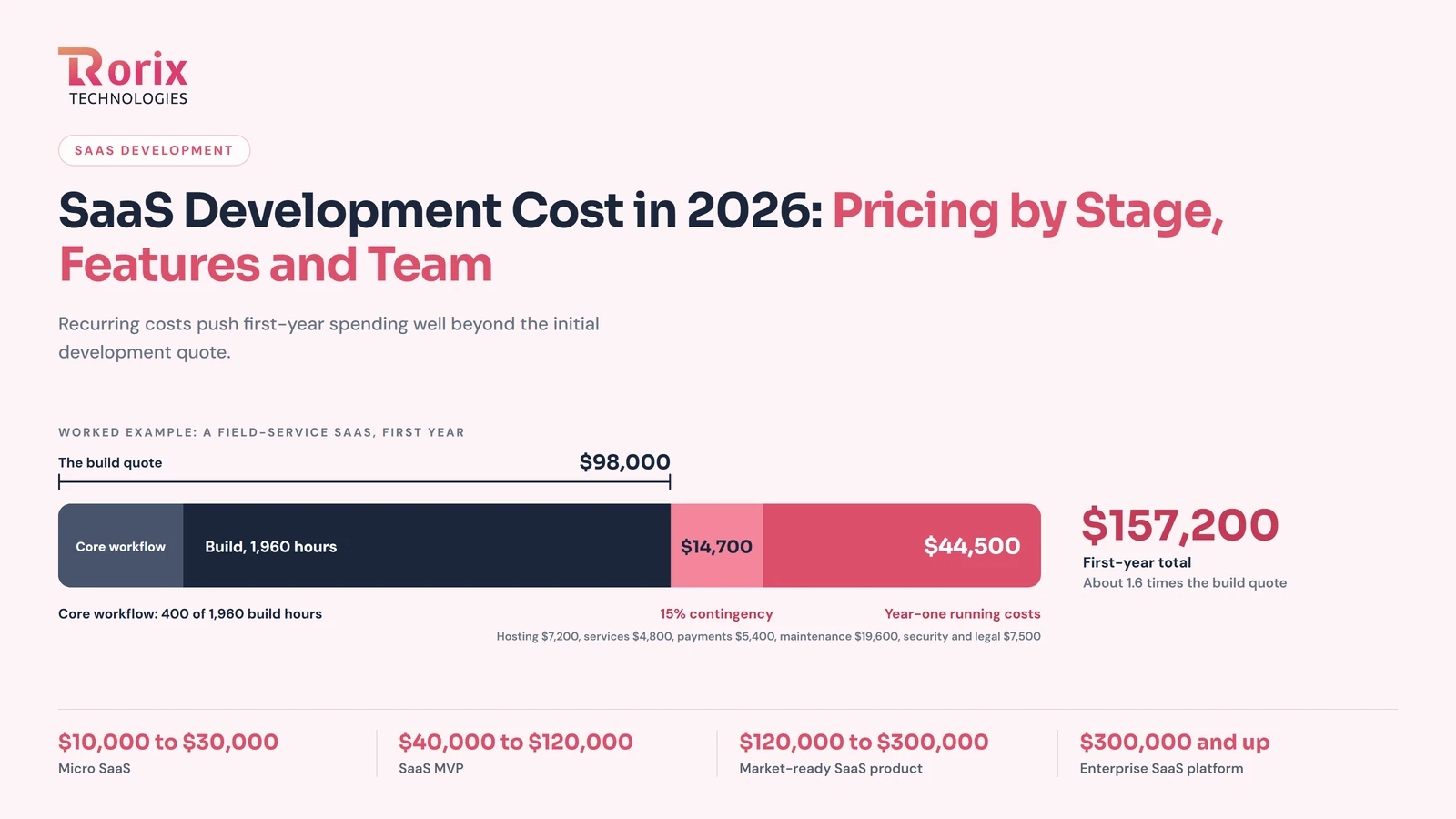
SaaS Development Cost in 2026: Pricing by Stage, Features and Team
Explore SaaS development cost in 2026, with pricing by product stage, features, team, and timeline, plus hidden expenses and ways to save money.
Read article