
Cloud vs On-Premise WMS: Complete Comparison Guide for 2026
Cloud or on-premise WMS? Compare costs, security, scalability, and control to pick the right warehouse system deployment model for your operation in 2026.
On this page60 sections
Key Takeaways: Cloud WMS Wins Unless You Need Full Control
Choose cloud (SaaS) WMS for lower upfront cost, faster rollout, and easy scaling; choose on-premise WMS when you need full control, deep customization, and source-code access. Most organizations now default to cloud unless heavy customization or strict control requirements dictate otherwise. Where customization is the deciding factor, warehouse management software built around your workflows is the third option this comparison does not otherwise cover.
- Cloud WMS has a low initial cost ($10K-$75K) and 3-5 month implementation; on-premise runs $100K-$500K+ over 6-12 months.
- Cloud scales instantly and upgrades automatically; on-premise requires hardware, licensing, and dedicated IT staff.
- On-premise offers extensive customization and source-code access; cloud customization is API-based and more limited.
- Cloud fits SMBs, rapid growth, and multi-site operations; on-premise fits large enterprises needing heavy customization and full control.
- 68% of new WMS implementations in 2025 were cloud-based, up from 42% in 2020.
Why Your WMS Deployment Model Shapes Cost, Speed, and Control
One of the most critical decisions in selecting a Warehouse Management System (WMS) is choosing between cloud-based (SaaS) and on-premise deployment.
This decision impacts:
- Total cost of ownership (TCO)
- Implementation timeline
- Scalability and flexibility
- Security and compliance
- IT resource requirements
In this guide, we'll break down the pros, cons, costs, and use cases for each deployment model so you can make an informed decision. It applies equally to a first move onto modern WMS solutions and to replacing a legacy system already in place.
Need help choosing? Use our Technology Stack Selector for a personalized recommendation.
Estimate Your WMS ROI
Get a preliminary estimate of potential savings with a modern warehouse management system. Estimates based on industry averages; individual results vary.
Quick Comparison Summary
| Factor | Cloud WMS (SaaS) | On-Premise WMS |
|---|---|---|
| Initial Cost | Low ($10K-$75K) | High ($100K-$500K+) |
| Monthly Cost | $500-$5K/month | $500-$2K/month (maintenance) |
| Implementation Time | 3-5 months | 6-12 months |
| Scalability | Instant (add users/features) | Requires hardware/licensing |
| Upgrades | Automatic (2-4x/year) | Manual (annually) |
| IT Resources | Minimal | Dedicated IT staff required |
| Customization | Limited (API-based) | Extensive (source code access) |
| Security | Vendor-managed | You control |
| Best For | SMBs, rapid growth, multi-site | Large enterprises, heavy customization |
Trend: 68% of new WMS implementations in 2025 were cloud-based, up from 42% in 2020.
What is Cloud WMS (SaaS)?
Cloud WMS is a Software-as-a-Service model where the vendor hosts and maintains the WMS on their servers. You access it via web browser or mobile app.
Key Characteristics:
Subscription-based pricing ($X per user/month or per transaction)
Hosted on vendor's infrastructure (AWS, Azure, Google Cloud)
Automatic updates (no manual upgrades needed)
Internet-required (no offline mode)
Multi-tenant architecture (shared infrastructure, isolated data)
Integrated inventory management (real-time tracking across locations)
Leading Cloud WMS Vendors:
- Manhattan Active WMS (cloud-native, microservices architecture)
- Blue Yonder Luminate (AI-powered, fully managed)
- Oracle WMS Cloud (integrated with Oracle ERP Cloud)
- SAP Extended Warehouse Management (Cloud) (ERP-integrated)
- Deposco Bright Warehouse (e-commerce/omnichannel focused)
What is On-Premise WMS?
On-Premise WMS is software installed on servers you own and operate within your datacenter or warehouse.
Key Characteristics:
Perpetual licensing (pay upfront, own forever)
Hosted on your infrastructure (your servers, network, database)
Manual upgrades (plan and execute annually)
Works offline (local network, no internet dependency)
Single-tenant (dedicated instance, full control)
Leading On-Premise WMS Vendors:
- HighJump WMS (now part of Körber, highly customizable)
- Infor CloudSuite WMS (also available cloud, ERP-integrated)
- JDA WMS (now Blue Yonder, legacy on-prem still common)
- Custom-Built WMS (developed in-house or by consultants)
Cost Comparison: 5-Year Total Cost of Ownership (TCO)
Cloud WMS Cost Breakdown
Year 1:
- Implementation/configuration: $25,000 - $75,000
- Training: $10,000 - $20,000
- Data migration: $5,000 - $15,000
- Subscriptions (15 users @ $200/user/mo × 12): $36,000
- Year 1 Total: $76,000 - $146,000
Years 2-5 (annual recurring):
- Subscriptions: $36,000/year
- Additional training (turnover): $3,000/year
- Annual Cost: $39,000
5-Year TCO: $76K + ($39K × 4) = $232,000 - $302,000
On-Premise WMS Cost Breakdown
Year 1:
- Software license (perpetual): $150,000 - $350,000
- Implementation/configuration: $50,000 - $150,000
- Hardware (servers, storage): $25,000 - $75,000
- Network infrastructure: $10,000 - $30,000
- Training: $15,000 - $30,000
- Year 1 Total: $250,000 - $635,000
Years 2-5 (annual recurring):
- Maintenance (18% of license): $27,000 - $63,000
- IT staff (allocated 50%): $40,000 - $60,000
- Upgrades (every 2-3 years): $15,000
- Server/hardware refresh (year 4): $20,000
- Annual Cost: $82,000 - $138,000
5-Year TCO: $250K + ($82K × 4) = $578,000 - $987,000
Cost Comparison Summary
| Cost Factor | Cloud WMS (5-Year) | On-Premise WMS (5-Year) | Winner |
|---|---|---|---|
| Initial Investment | $76K - $146K | $250K - $635K | Cloud (77% lower) |
| Total 5-Year TCO | $232K - $302K | $578K - $987K | Cloud (60% lower) |
| Payback Period | 6-12 months | 12-24 months | Cloud (2x faster) |
| Budget Predictability | Fixed monthly | Variable | Cloud |
| 10-Year TCO | $400K - $550K | $900K - $1.5M | Cloud (55% lower) |
Key Insight: Cloud WMS has significantly lower upfront costs and total cost of ownership, making it ideal for companies with limited capital budgets.
Calculate your specific costs with our WMS Cost Estimator or determine your potential savings with our ROI Calculator
Implementation Time Comparison
Cloud WMS Implementation Timeline
Typical: 3-5 months
Week 1-2: Requirements gathering, configuration design
Week 3-8: System configuration, integration development
Week 9-12: Testing (UAT, integration tests)
Week 13-16: Training, data migration
Week 17-20: Go-live, hyper-care support
Why Faster:
- No hardware procurement (6-8 week lead time eliminated)
- No infrastructure setup (server install, network config)
- Pre-configured templates available
- Faster vendor deployment (they've done it 1000x)
On-Premise WMS Implementation Timeline
Typical: 6-12 months
Month 1: Requirements, vendor selection, contract negotiation
Month 2: Hardware procurement (servers, network equipment)
Month 3: Infrastructure setup (server install, database config)
Month 4-6: System installation, configuration, customization
Month 7-8: Integration development and testing
Month 9-10: UAT, data migration
Month 11-12: Training, go-live, support
Why Slower:
- Hardware lead times (6-12 weeks for servers)
- Infrastructure setup (IT team must configure everything)
- More customization typical (since you own the code)
- Longer vendor implementation cycles
Time-to-Value Comparison
| Milestone | Cloud WMS | On-Premise WMS | Difference |
|---|---|---|---|
| Contract signed → Go-live | 3-5 months | 6-12 months | 2x faster |
| First orders shipped | Day 1 | Day 1 | Tie |
| ROI breakeven | 6-12 months | 12-24 months | 2x faster |
| Full productivity | 2-3 months post-live | 3-4 months post-live | Slightly faster |
Winner: Cloud (faster time-to-value and ROI)
Scalability & Flexibility Comparison
Cloud WMS Scalability
Scale Up (Add Capacity):
- Add users: Instant (click button, pay additional $200/mo)
- Add features/modules: Enable in admin panel (often same day)
- Handle volume spike: Automatic (cloud infrastructure auto-scales)
- Add warehouse location: Deploy in 2-4 weeks
Scale Down:
- Remove users: Cancel subscriptions (monthly flexibility)
- Pause during slow season: Possible with some vendors
- Decommission location: Easy (just stop using)
Elasticity:
- Peak season (Nov-Dec): System handles 3x normal volume automatically
- Low season (Jan-Feb): No performance degradation
Example:
E-commerce company grows from 1,000 to 5,000 orders/day in 18 months:

Cloud WMS:
Added 10 users in 5 minutes ($2K/mo increase)
Upgraded to "Enterprise" tier for advanced wave planning (instant)
Opened 2nd warehouse, deployed WMS in 3 weeks
Zero infrastructure changes needed
Total time to scale: 3 weeks
On-Premise WMS Scalability
Scale Up:
- Add users: Buy additional licenses (weeks to process)
- Add features/modules: Purchase module, install/configure (4-8 weeks)
- Handle volume spike: May require hardware upgrade (servers, storage)
- Add warehouse location: Full implementation (3-6 months)
Scale Down:
- Remove users: Can't "return" perpetual licenses
- Decommission hardware: Sunk cost (can't recoup investment)
Infrastructure Constraints:
If transaction volume exceeds server capacity:
- Must purchase new servers ($50K-$100K)
- Migrate to new infrastructure (4-8 weeks)
- Risk of downtime during migration
Example:
Same e-commerce company with on-premise WMS:

On-Premise WMS:
Purchased 20 user licenses upfront (couldn't buy 10 incrementally): $50K
Server capacity maxed at 3,000 orders/day
Needed hardware upgrade: $75K + 6 weeks downtime risk
2nd warehouse required separate instance: 4-month implementation
Total time to scale: 6+ months, $125K additional cost
Winner: Cloud (instant scalability, pay-as-you-grow)
Customization & Integration Comparison
Cloud WMS Customization
What You Can Customize:
- Configuration settings (workflows, rules, user roles)
- Report templates and dashboards
- Label formats and form layouts
- API-based integrations (ERP, e-commerce, shipping)
- Business logic via workflow rules engine
What You Cannot Customize:
- Core source code (vendor-controlled)
- Database schema (multi-tenant restrictions)
- Deep system behavior changes
- Vendor-controlled upgrade schedule
Customization Approach:
- Use configuration tools (clicks, not code)
- Build custom integrations via REST APIs
- Leverage vendor's app marketplace
- Request features from vendor roadmap
Best For:
- Companies with standard warehouse processes
- Willing to adopt WMS best practices and proven workflows
- Need integrations more than deep customization
- Want to leverage cloud scalability for inventory management
On-Premise WMS Customization
What You Can Customize:
- Everything (full source code access)
- Database schema modifications
- Custom modules and features
- Proprietary business logic
- Unique workflow requirements
Customization Flexibility:
Example: Pharmaceutical distributor needs:
• Custom DEA compliance workflow
• Proprietary lot allocation logic
• Integration with custom ERP built in-house
• Unique serialization requirements

On-Premise WMS:
Developer modifies source code to exact requirements
Complete control over functionality
No vendor approval needed

Cloud WMS Alternative:
Would require vendor to build custom feature
OR use APIs to build separate microservice
Limited ability to modify core workflows
Trade-Off:
More customization = More maintenance burden
- You must maintain custom code through upgrades
- Vendor support may not cover customizations
- Upgrades become complex (risk breaking customizations)
Best For:
- Unique/complex business processes
- Heavily regulated industries
- In-house development team available
- Custom ERP or legacy system integrations
Winner: Cloud (for deep customization needs)
✓ Is Your Warehouse Ready for a WMS?
Take our 5-minute assessment to get a personalized readiness score and implementation roadmap.
✓ Get personalized recommendations in 60 seconds
Security & Compliance Comparison
Cloud WMS Security
Vendor Responsibilities:
- Physical datacenter security (armed guards, biometrics)
- Network security (firewalls, DDoS protection)
- Data encryption (at-rest and in-transit)
- Regular security audits (SOC 2, ISO 27001)
- Patch management (automatic security updates)
- Disaster recovery (multi-region backups)
Your Responsibilities:
- User access control (who has permissions)
- Password policies (MFA enforcement)
- Data classification (what data goes to cloud)
- Vendor due diligence (review certifications)
Security Certifications (Typical):
- SOC 2 Type II
- ISO 27001
- PCI DSS (if handling payment data)
- HIPAA (if healthcare)
- GDPR/CCPA compliance
Data Residency:
- Data stored in vendor's cloud (AWS, Azure, GCP)
- You can often choose region (US, EU, APAC)
- Multi-tenant (data isolated but shares infrastructure)
Concerns:
- Less control (trusting vendor security)
- Internet-dependent (exposure to attacks)
- Shared infrastructure (multi-tenant risks)
- Vendor lock-in (hard to export data)
On-Premise WMS Security
Your Responsibilities (Everything):
- Physical server security (lock servers in datacenter)
- Network security (firewalls, VPN, intrusion detection)
- Data encryption (implement yourself)
- Security audits (hire 3rd party auditors)
- Patch management (apply vendor patches manually)
- Disaster recovery (backup strategy, offsite storage)
- Compliance (prove to auditors)
Security Advantages:
- Complete control (no 3rd party access)
- Air-gapped option (no internet connection)
- Custom security policies you write and enforce yourself
- Dedicated infrastructure (single-tenant)
Security Challenges:
- Requires expert IT staff (security is hard)
- Expensive (security tools, audits, staff)
- Patch delays (manual process, may fall behind)
- Single point of failure (if datacenter compromised)
Compliance:
Easier to prove compliance for certain industries:
- Defense contractors (ITAR, CMMC)
- Government (FedRAMP, FISMA)
- Highly regulated (custom compliance needs)
Security Comparison Summary
| Security Factor | Cloud WMS | On-Premise WMS | Winner |
|---|---|---|---|
| Physical Security | Enterprise-grade datacenters | Your datacenter quality | Cloud |
| Patch Management | Automatic | Manual (often delayed) | Cloud |
| Disaster Recovery | Built-in (multi-region) | You must build | Cloud |
| Data Control | Vendor controls | You control | On-Prem |
| Custom Compliance | Limited | Fully customizable | On-Prem |
| Security Expertise | Vendor experts | Requires your experts | Cloud |
| Internet Exposure | Higher | Lower (can air-gap) | On-Prem |
Winner: Depends on Requirements
- Cloud for most companies (better security than they could build themselves)
- On-Premise for highly regulated industries or government contractors
IT Resource Requirements
Cloud WMS IT Needs
Minimal IT Team:
- 1 part-time system administrator (configure users, reports)
- Network admin (ensure internet connectivity, WiFi)
- Integration specialist (maintain ERP/e-commerce connections)
No Need For:
- Database administrators (DBAs)
- Server administrators
- Datacenter management
- Security specialists (vendor handles)
Time Commitment:
- Initial implementation: 10-15 hours/week
- Ongoing: 5-10 hours/week
IT Cost:
- $40K-$60K/year (allocated IT support)
On-Premise WMS IT Needs
Dedicated IT Team:
- 1 full-time system administrator (manage WMS)
- 0.5 FTE database administrator (optimize SQL, backups)
- 0.5 FTE server administrator (maintain infrastructure)
- 0.25 FTE security specialist (patches, audits)
- Integration developers (maintain custom interfaces)
Infrastructure Management:
- Server maintenance (updates, patches)
- Database optimization (performance tuning)
- Backup management (daily backups, offsite storage)
- Disaster recovery testing (quarterly)
- Hardware refresh cycle (every 4-5 years)
Time Commitment:
- Initial implementation: 30-40 hours/week
- Ongoing: 20-30 hours/week
IT Cost:
- $120K-$180K/year (allocated IT staff)
- $20K-$40K/year (infrastructure maintenance)
Winner: Cloud (70% lower IT overhead)
Upgrade & Maintenance Comparison
Cloud WMS Upgrades
Automatic Upgrades:
- Frequency: 2-4 times per year (vendor-scheduled)
- Downtime: None (rolling updates) or 2-4 hour maintenance window
- Testing: Vendor tests, you validate in sandbox environment
- Cost: Included in subscription (no additional fees)
Upgrade Process:
1. Vendor announces upgrade (4-6 weeks notice)
2. Release notes published (new features, bug fixes)
3. You test in sandbox environment (1-2 weeks)
4. Vendor schedules maintenance window
5. Upgrade happens automatically (Saturday night)
6. You validate Monday morning
7. Report any issues to vendor support
Benefits:
- Always on latest version
- No project management needed
- Security patches applied immediately
- New features delivered automatically
Drawbacks:
- Can't delay upgrades (vendor controls schedule)
- May break customizations (if API changes)
- Must adapt to new features (can't skip versions)
On-Premise WMS Upgrades
Manual Upgrades:
- Frequency: Annually (or longer, you decide)
- Downtime: 4-24 hours (full system offline)
- Testing: Your responsibility (full regression test)
- Cost: Included in maintenance OR $15K-$50K/upgrade
Upgrade Process:
1. Vendor releases new version (you decide if/when to upgrade)
2. Download installation package
3. Set up test environment (clone production)
4. Install upgrade on test system (2-4 days)
5. Full regression testing (4-8 weeks)
6. Fix any broken customizations (2-6 weeks)
7. Plan production cutover (schedule downtime)
8. Execute upgrade (Friday night/weekend)
9. Smoke test (Saturday/Sunday)
10. Go live Monday (hope it works)
11. Resolve issues (1-2 weeks of stabilization)

Total time: 3-4 months
Benefits:
- Control timing (upgrade when convenient)
- Can skip versions (stay on v4 for 5+ years)
- Thoroughly test before production
- Delay if not ready
Drawbacks:
- Fall behind (missing security patches, new features)
- Complex project (requires PM, testing, downtime)
- Risk of failures (untested production scenarios)
- Customizations break (must reapply changes)
Winner: Cloud (automatic upgrades, always current)
When to Choose Cloud WMS
Ideal Cloud WMS Candidates:
Small to mid-size warehouses (10K-150K sq ft)
Growing businesses (20%+ annual growth)
Limited IT staff (< 5 person IT team)
Multiple warehouse locations (need centralized visibility)
Standard warehouse processes (willing to adopt best practices)
Capital-constrained (prefer OpEx vs CapEx)
Need fast implementation (3-5 months)
E-commerce/omnichannel (need frequent system updates)
Seasonal fluctuations (want to scale users up/down)
Use Cases:
Example 1: E-commerce 3PL
- 3 warehouses (50K, 75K, 100K sq ft)
- Rapid growth (30%/year)
- Limited IT team (2 people)
- Need real-time visibility across all sites
- Solution: Cloud WMS (multi-tenant, instant scalability)
Example 2: Growing SMB Distributor
- 1 warehouse (40K sq ft)
- Processing 800 orders/day (growing to 2,000)
- $200K budget
- Need to go live in 4 months
- Solution: Cloud WMS (fast ROI, low upfront cost)
Assess your readiness with our WMS Readiness Assessment
When to Choose On-Premise WMS
Ideal On-Premise WMS Candidates:
Large enterprises (500K+ sq ft warehouses)
Complex/unique processes (heavy customization needed)
Dedicated IT team (10+ person IT department)
Highly regulated industries (pharma, defense, government)
Custom ERP integrations (proprietary systems)
Internet connectivity issues (remote locations, poor bandwidth)
Long-term cost optimization (10+ year horizon)
Data sovereignty requirements (must keep data on-prem)
Existing infrastructure (already have servers/datacenter)
Use Cases:
Example 1: Pharmaceutical Manufacturer
- 3 warehouses (200K, 300K, 500K sq ft)
- FDA compliance (21 CFR Part 11)
- Custom lot traceability requirements
- In-house ERP (custom-built)
- Dedicated IT team (15 people)
- Solution: On-Premise WMS (full control, custom compliance)
Example 2: Defense Contractor
- Classified warehouse operations
- ITAR/CMMC compliance required
- Air-gapped network (no internet)
- Custom security protocols
- Solution: On-Premise WMS (only viable option)
Hybrid WMS Solutions
Some vendors offer hybrid models combining benefits of both:
Private Cloud WMS
- Hosted on dedicated cloud infrastructure (not multi-tenant)
- You control upgrade schedule
- Higher cost than SaaS cloud, lower than on-premise
- Best for: Mid-size enterprises needing control + cloud benefits
Hosted On-Premise
- On-premise software hosted in vendor's datacenter
- You manage software, vendor manages infrastructure
- Faster implementation than traditional on-premise
- Best for: Companies wanting on-prem control without datacenter burden
Migration Considerations
Migrating from On-Premise to Cloud
Reasons to Migrate:
- Reduce IT overhead (30-50% cost savings)
- Gain scalability (handle growth easier)
- Get faster updates (new features quarterly)
- Improve disaster recovery (vendor handles)
Migration Challenges:
- Data migration (complex if customizations exist)
- Integration changes (APIs vs direct DB)
- Loss of customizations (may not be possible in cloud)
- Change management (users must adapt)
Migration Timeline: 4-6 months
Migrating from Cloud to On-Premise
Reasons to Migrate:
- Need heavy customization (cloud limitations)
- Data sovereignty requirements
- Long-term cost optimization (10+ year TCO)
- Compliance mandates (must own infrastructure)
Migration Challenges:
- High upfront cost ($250K-$500K)
- Require IT team hiring/training
- Longer implementation (6-12 months)
- Lose automatic updates
Migration Timeline: 9-12 months
Decision Framework: Which Should You Choose?
Step 1: Answer These Questions
| Question | Cloud Points | On-Prem Points |
|---|---|---|
| Budget: What's your upfront budget? | < $150K (3 pts) | > $300K (3 pts) |
| IT Team: How many IT staff? | < 5 people (2 pts) | > 10 people (2 pts) |
| Timeline: How fast do you need to go live? | < 6 months (3 pts) | 6-12 months OK (0 pts) |
| Customization: How unique are your processes? | Standard (3 pts) | Highly unique (3 pts) |
| Growth: Expected growth rate? | > 20%/year (2 pts) | < 10%/year (1 pt) |
| Compliance: Regulatory requirements? | Standard (2 pts) | Highly regulated (2 pts) |
| Locations: Number of warehouses? | Multiple (2 pts) | Single (0 pts) |
Scoring:
- Cloud Total > 12: Strong cloud candidate
- On-Prem Total > 8: Consider on-premise
- Tied: Evaluate hybrid or get expert consultation
Step 2: Calculate TCO
Use our Cost Estimator to model:
- 5-year total cost of ownership
- Upfront vs monthly costs
- Breakeven analysis
Step 3: Validate with Vendors
- Request demos from both cloud and on-prem vendors
- Get detailed pricing quotes
- Check references (talk to 3-5 current customers)
- Review contract terms (exit clauses, data ownership)
Deployment is one axis. Whether to license a package or build your own is the other, and our custom WMS vs off-the-shelf WMS comparison covers that second axis.
The Verdict: What's Best for Most Companies?
In 2026, cloud WMS is the right choice for 70-80% of companies because:
Lower total cost of ownership (50-60% cheaper over 5 years)
Faster implementation (2x faster time-to-value)
Better scalability (add users and sites without a hardware order)
Lower IT burden (70% less IT overhead)
Always up-to-date (automatic security patches, new features)
Better disaster recovery (vendor expertise)
On-premise makes sense for:
- Large enterprises with dedicated IT teams
- Highly regulated industries (pharma, defense, government)
- Complex customization requirements
- Air-gapped environments
The future is cloud: Even traditional on-prem vendors (HighJump, Infor, SAP) now offer cloud versions as their strategic focus.
Next Steps: Choosing Your WMS Deployment Model
For Cloud WMS Candidates:
- Take Readiness Assessment: Confirm cloud fit
- Calculate ROI: Project costs & benefits
- Compare Cloud Vendors: Find best match
- Schedule Consultation: Get expert guidance
For On-Premise Candidates:
- Estimate Total Cost: Model 5-year TCO
- Review Implementation Checklist: Understand complexity
- Vendor Selection Guide: Evaluate options
- Talk to Our Team: Discuss custom solutions
Cloud WMS Is the Default Choice for Most Warehouses
The cloud vs on-premise decision isn't just about technology. It's about your business strategy, budget, IT capabilities, and growth plans.
Key Takeaways:
| Factor | Winner | Why |
|---|---|---|
| Cost | Cloud | 60% lower 5-year TCO |
| Speed | Cloud | 2x faster implementation |
| Scalability | Cloud | Instant, pay-as-you-grow |
| Customization | On-Premise | Full source code access |
| Security | Cloud | For most companies |
| IT Overhead | Cloud | 70% lower burden |
| Future-Proof | Cloud | Automatic updates |
For 70% of companies, cloud WMS delivers better ROI, faster implementation, and lower risk.
If you're still unsure, our team can help you model both options and make a data-driven decision.
Schedule a free consultation to discuss your specific requirements.
Frequently Asked Questions
Is cloud WMS secure enough for our data?
Yes, for most companies. Leading cloud WMS vendors have:
- SOC 2 Type II certification
- ISO 27001 certification
- 256-bit encryption (military-grade)
- 99.9%+ uptime SLAs
- Multi-region disaster recovery
Their security often exceeds what mid-size companies can build themselves.
Exception: Highly regulated industries (defense, government) may require on-premise for compliance.
Can we customize cloud WMS?
Yes, but differently than on-premise.
Cloud customization options:
- Configuration (workflows, rules, user roles)
- API integrations (build custom extensions)
- Report customization
- Workflow automation
You can't modify core source code, but 90% of needs are met via configuration + APIs.
What happens if the cloud vendor goes out of business?
Mitigate this risk by:
- Choose stable vendors (check financials, customer base)
- Review data export capabilities in contract
- Ensure data backup access
- Negotiate source code escrow (enterprise contracts)
Reality: Major cloud WMS vendors (Manhattan, Blue Yonder, Oracle, SAP) are financially stable with thousands of customers.
Can we switch from cloud to on-premise later (or vice versa)?
Yes, but it's expensive and disruptive.
Migration complexity:
- Data migration: 4-6 months
- Integration rebuild: 2-4 months
- Re-implementation: 6-9 months
- Cost: $100K-$300K+
Recommendation: Choose carefully upfront. Switching later is possible but costly.
Is on-premise really cheaper long-term (10+ years)?
Sometimes, but rarely.
On-premise can be cheaper at 10-year horizon if:
- You have existing infrastructure (servers, datacenter)
- Dedicated IT team already employed
- Don't need frequent upgrades
- Can maintain aging hardware
But most companies find:
- Hardware refresh cycles (every 4-5 years) add cost
- IT staff turnover requires rehiring/training
- Security/compliance costs increase
- Cloud vendors drop prices over time (AWS, Azure compete)
Run a detailed 10-year TCO model to confirm.
Related Resources:
- How to Calculate WMS ROI: Complete Guide
- How to Select the Right WMS Vendor in 2026
- WMS Implementation Checklist: 50 Steps to Success
- 10 Signs You Need a Warehouse Management System
About Rorix Technologies
We're a custom software development company specializing in warehouse management systems, both cloud and on-premise deployments. Our founders have built and modernized warehouse and supply-chain platforms continuously since 2018, predating Rorix itself, giving us practical insight into which deployment model works best for different business scenarios.
Once the deployment model is settled, we can help you:
- Select the right vendor
- Implement the system successfully
- Integrate with your existing technology stack
- Optimize for maximum ROI
Talk to our team about your deployment options, or start with the WMS architecture and ROI assessment and send us the report.
Costing a WMS build?
Send us your SKU count and daily order volume. You get back a scope and a number you can take to your CFO.
Continue learning
Written by
Nirmal JTeam Lead, WMS & Inventory Systems, Rorix Technologies
Nirmal leads WMS and inventory software delivery at Rorix, from warehouse picking and stock control to real-time inventory tracking and fulfillment workflows. He manages project timelines, stakeholder alignment, and sprint execution, ensuring production-ready systems are delivered on time and keep operations running without disruption.
View full profileRelated articles
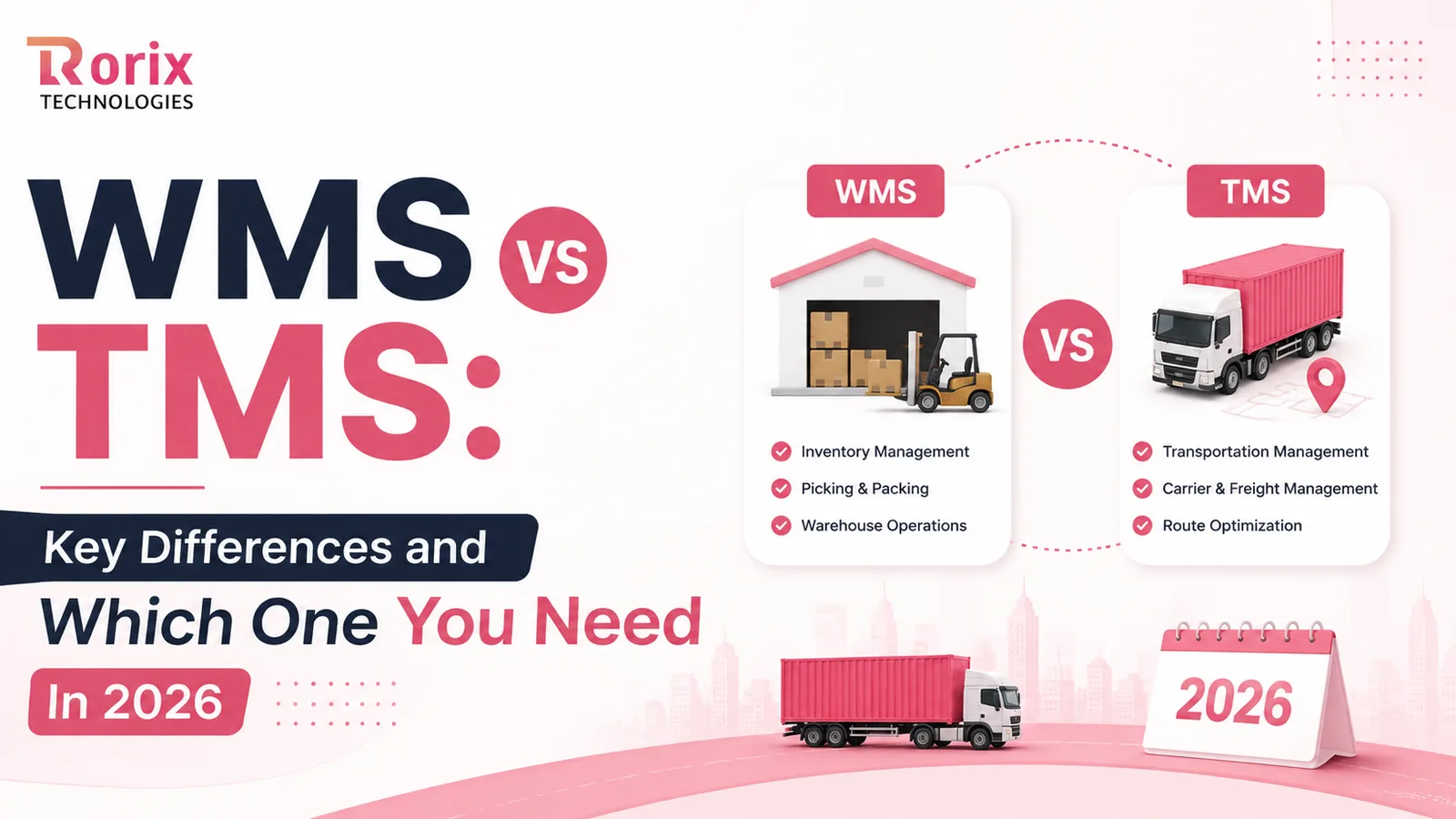
WMS vs TMS: Key Differences and Which One You Need In 2026
Confused about WMS vs TMS? Learn how they differ, how they work together, which one to roll out first, and how to choose the right system in 2026.
Read article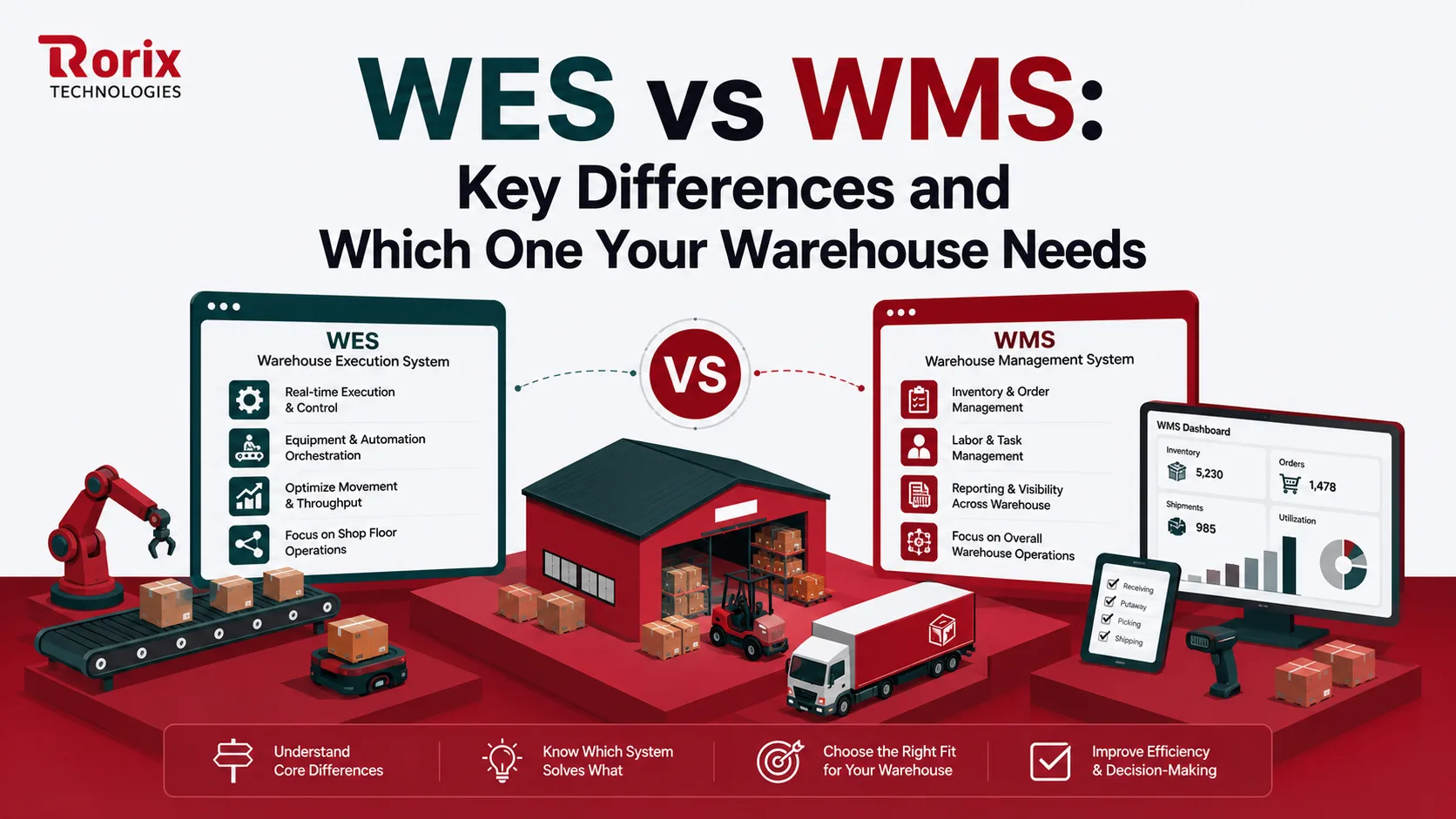
WES vs WMS: Key Differences and Which One Your Warehouse Needs
WES vs WMS explained: what each system does, how they differ in scope, timing, and automation, and how to tell when your warehouse needs a WES.
Read article
PostgreSQL vs MongoDB for Warehouse Management: A 2026 Comparison from Engineers Who've Used Both
An honest, project-grounded comparison of PostgreSQL and MongoDB for warehouse management systems, from a team that runs both in production.
Read article